
1. Login with Admin user in SoftClinic.
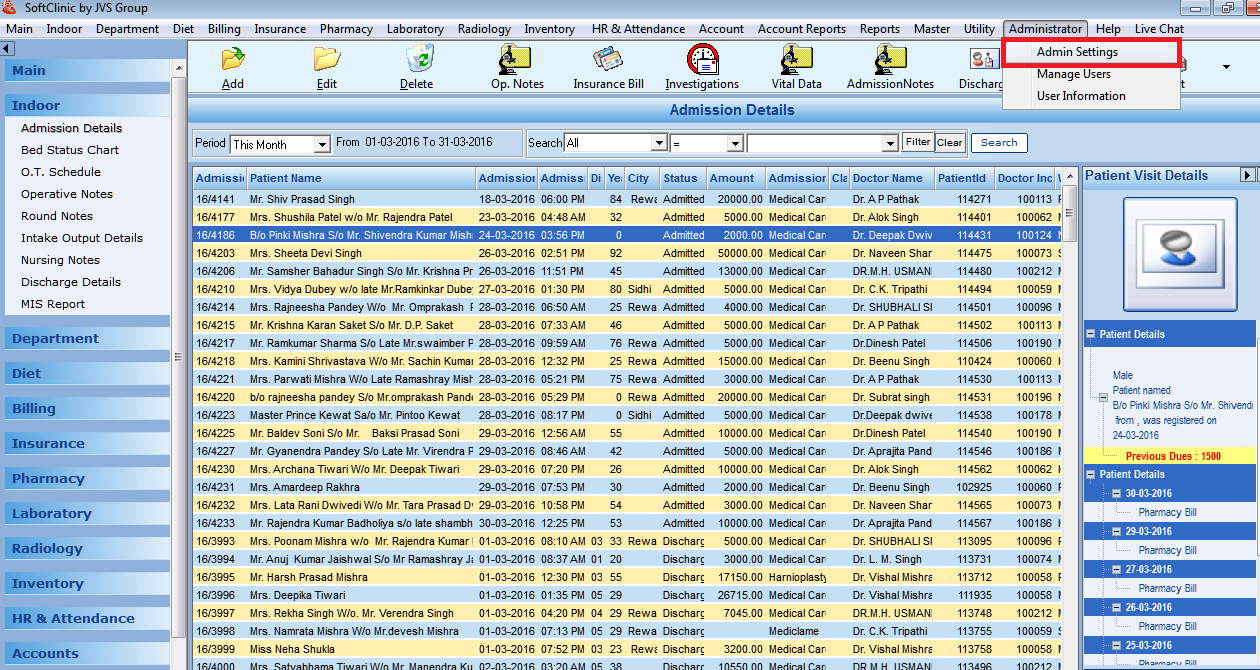
2. Go to SoftClinic Administrator > admin settings menu.
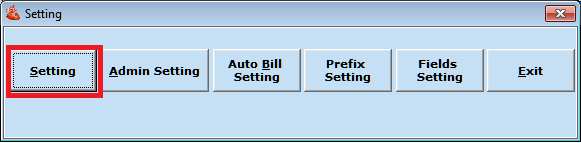
3. Click on settings button.
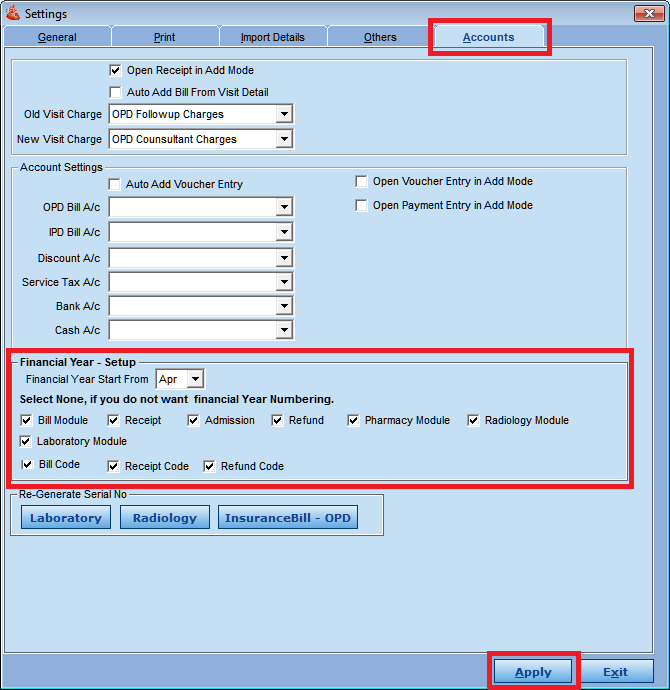
4. Go to Accounts tab where you will find financial year setup. Set financial year month to APR and select the modules for which you want to regenerate the numbers.
After settings click on Apply button.
Comments
0 comments
Please sign in to leave a comment.