
How to set manual tab key
1. Add appointment
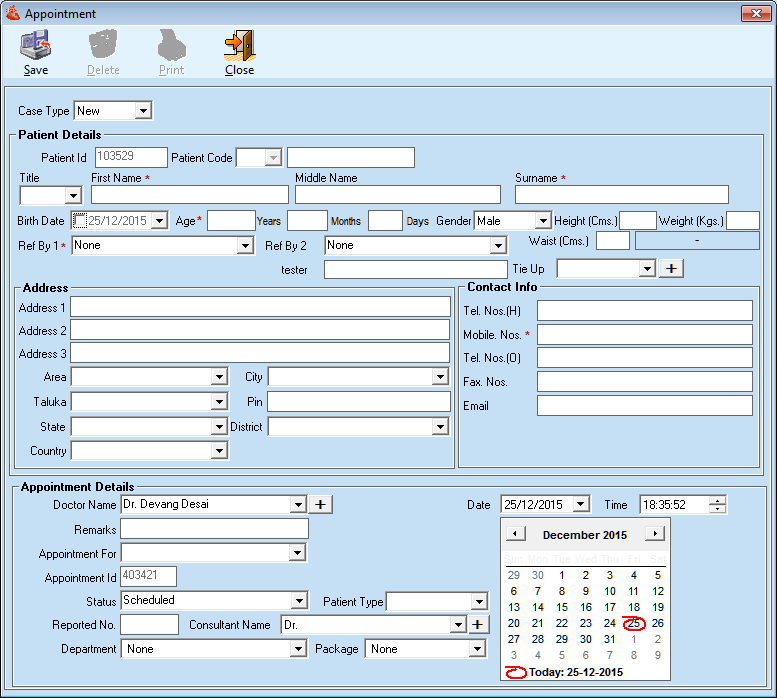
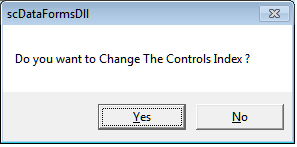
2. Press F10 key it will give below message to change the manual tab key, click on yes and put the cursor on the fields one by one according to your sequence.
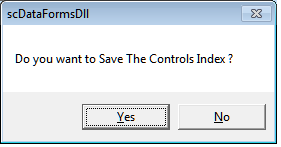
3. Once you select all your required fields press F11 to save your tab sequence. click on yes.
4. Next time it will allow you to make entry according to this manual tab index.
- same feature will be available for patient details.
Comments
0 comments
Please sign in to leave a comment.