How to set Hospital Logo in background of all list in SoftClinic
1. Go to Administrator > Setting > Import Details.
2. Set the image path as below and click on apply.

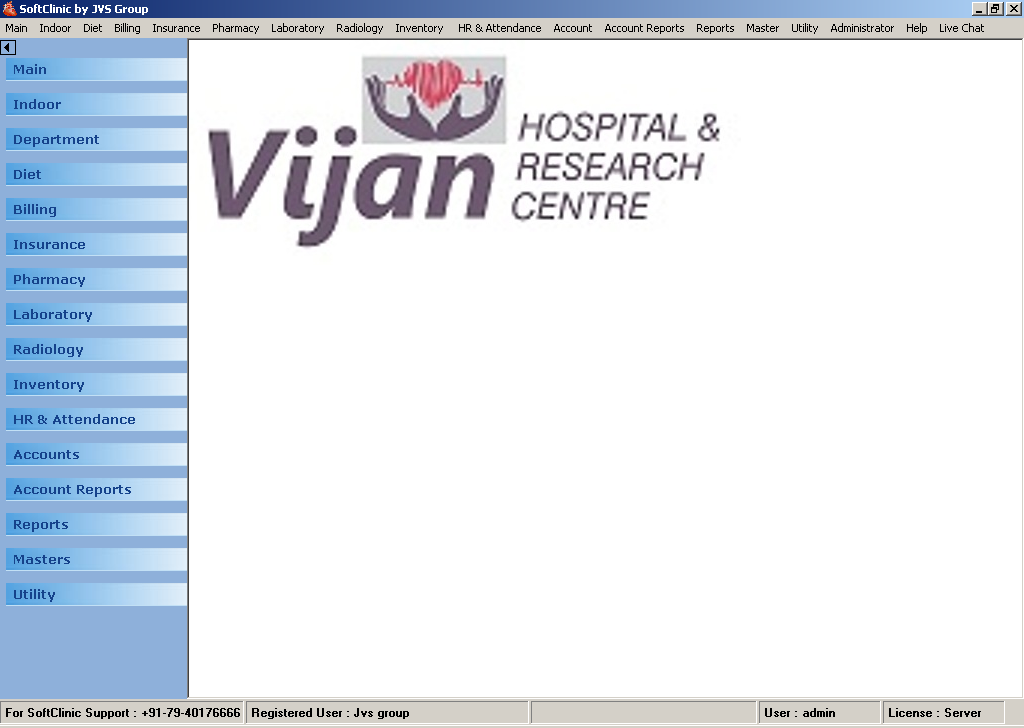
3. Restart SoftClinic, you will find the logo in back ground of all the list.

How to set Hospital Logo in background of all list in SoftClinic
1. Go to Administrator > Setting > Import Details.
2. Set the image path as below and click on apply.
3. Restart SoftClinic, you will find the logo in back ground of all the list.
Comments
0 comments
Please sign in to leave a comment.